Microsoft Azure Speech: A Complete Guide for SaaS Professionals
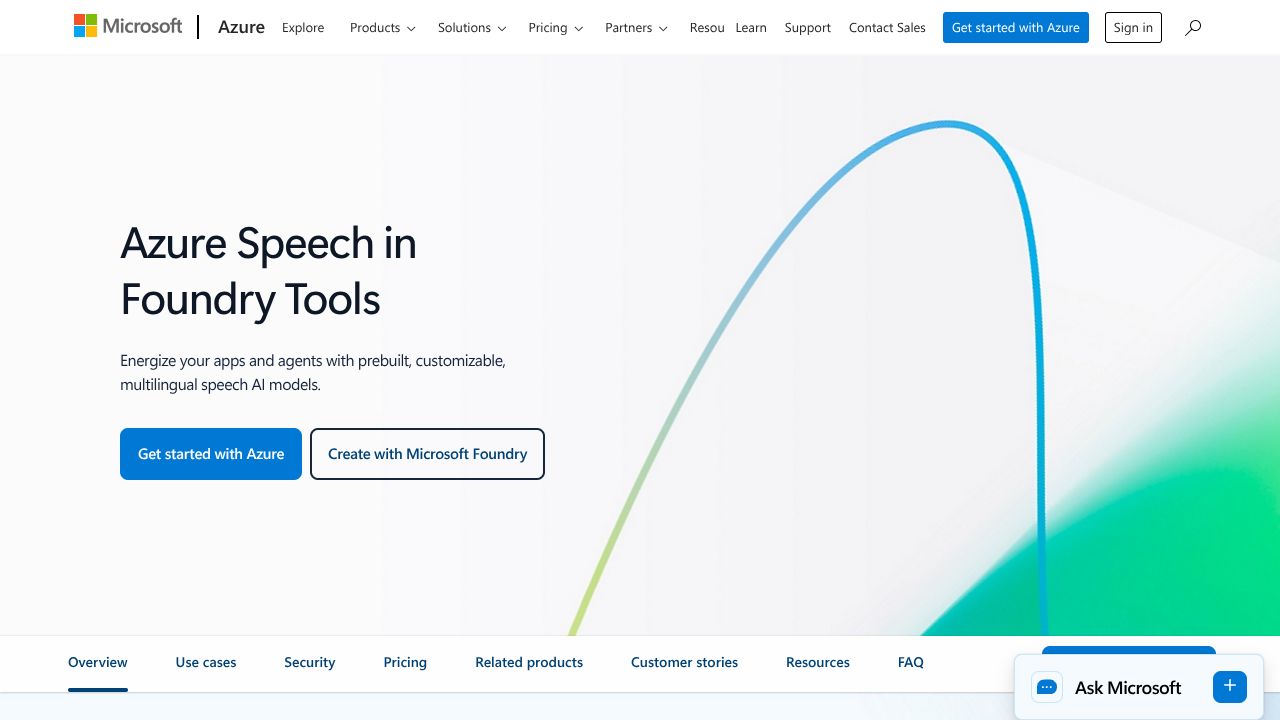
Can Azure's Speech hub actually replace a pile of point tools in your voice stack?
Ever spent hours juggling different APIs for transcription, TTS, translation, and voice biometrics—and wondered if one platform could actually hold the whole thing together? Microsoft Azure Speech is exactly pitched at that pain: a unified cloud + edge service that does speech-to-text, neural TTS, real-time multilingual translation, speaker biometrics, and pronunciation assessment across 100+ languages. Under the hood it combines neural ASR and neural TTS models, custom model fine-tuning (acoustic + language + Custom Neural Voice), and containerized deployments so you can run workloads from Azure regions to on-prem or edge devices. My hot take: it’s designed for enterprises that want one vendor to own the entire audio pipeline—convenient, but expect governance and vendor-lock considerations.
Architecture & Design Principles
Azure Speech is built as part of Azure Cognitive Services using a modular microservice approach: streaming ingestion (WebSocket/gRPC), model inference layers (ASR/TTS/translation/biometrics), and orchestration for model selection and customizations. Key design decisions favor model composability (mix base + custom models), deployment flexibility (cloud endpoints + Speech Containers via MCR), and low-latency streaming for real-time scenarios. Scalability is horizontal—stateless inference front-ends scale behind load balancers, while model weights are cached on GPU/CPU nodes depending on deployment. The platform emphasizes enterprise controls (data residency, managed keys) and operational telemetry to support SLA-driven contact center workloads—perfect for moving from build to scale.
Feature Breakdown
Core Capabilities
- ▸Feature 1: Real-time & Batch Speech-to-Text
Technical: Streaming ASR via WebSocket or gRPC with automatic punctuation, profanity filtering, and diarization options; batch transcription supports long-form audio with batching and async job APIs. Use case: transcribe multi-party call recordings and feed into analytics or search indexes. - ▸Feature 2: Neural Text-to-Speech (48 kHz) + SSML
Technical: High-fidelity neural voices at up to 48 kHz sampling, SSML controls for prosody, pauses, voice transformations; batch synthesis for audiobooks and streaming TTS for IVR. Use case: branded voice experiences and personalized notifications. - ▸Feature 3: Real-time Translation + Speaker Biometrics
Technical: Concurrent transcription + translation pipeline for low-latency multilingual conversations; speaker recognition APIs for voice authentication and speaker verification. Use case: global contact centers offering live interpreter-like experiences and secure voice login.
Integration Ecosystem
APIs are available as REST endpoints and first-class Speech SDKs (C#, Python, JavaScript, Java). Speech Containers enable air-gapped or low-latency edge deployments (pullable from Microsoft Container Registry). Connectors exist for Microsoft 365/Teams for live captions and Office integrations. Webhooks/async callbacks notify when batch jobs complete; you can chain outputs into Azure Event Grid, Functions, or your own ingestion pipeline.
Security & Compliance
Data handling follows Azure’s enterprise controls: encryption at rest/in transit, customer-managed keys (CMK), and role-based access via Azure AD. Azure Speech aligns with Azure-wide compliance commitments (ISO, SOC, GDPR scopes) making it enterprise-ready for regulated industries. Custom Neural Voice requires vetting for identity and usage to prevent misuse.
Performance Considerations
Latency is low for streaming ASR (tens to low hundreds of milliseconds depending on region and model); real-time translation adds modest overhead. GPU-backed nodes accelerate neural TTS but increase cost—48 kHz synthesis is compute-heavy. Edge containers can minimize latency and reduce egress costs, but plan for model weight distribution and memory footprints when scaling.
How It Compares Technically
While AssemblyAI excels at a developer-first, simple API and rapid iterations for transcription features, Microsoft Azure Speech is better suited for enterprises that need an integrated suite (translation, biometrics, high-fidelity TTS) and on-prem/edge deployments. While Amazon Transcribe wins on deep AWS integrations and competitive pricing for large-volume transcription, Azure offers stronger packaged integrations with Microsoft 365 and Custom Neural Voice branding. And while Google Cloud Speech-to-Text often leads in out-of-the-box accuracy for some languages and diarization, Azure’s edge containers and enterprise compliance make it preferable for regulated, low-latency deployments.
Developer Experience
Docs and SDKs are mature: quickstarts, samples, and an Azure Portal integration speed onboarding. The Speech SDK supports streaming primitives (pull/push audio), SSML for generation, and sample pipelines for customization. Community support is solid via Microsoft Q&A, GitHub samples, and StackOverflow, but expect vendor-specific support tiers to be necessary for enterprise-grade SLAs.
Technical Verdict
Strengths: end-to-end capabilities (ASR, TTS, translation, biometrics) in one platform; custom neural voice for branded audio; cloud-to-edge containers; enterprise security and Microsoft 365 integrations. Limitations: complexity and governance for custom neural voice, potential cost for large-scale high-fidelity TTS, and the usual trade-offs of vendor lock-in. Ideal for contact centers, language-learning platforms, and companies embedding voice auth or branded TTS across global products. If I were prototyping, I’d start in the cloud with a custom speech model and then push the hot path to Speech Containers at the edge—keeps development nimble while respecting SLAs when you scale. When building becomes scaling, that staged approach saves headaches.