STACK: A Complete Guide for SaaS Professionals
Win Bids Before Lunch: My Zero-Drama Workflow in STACK
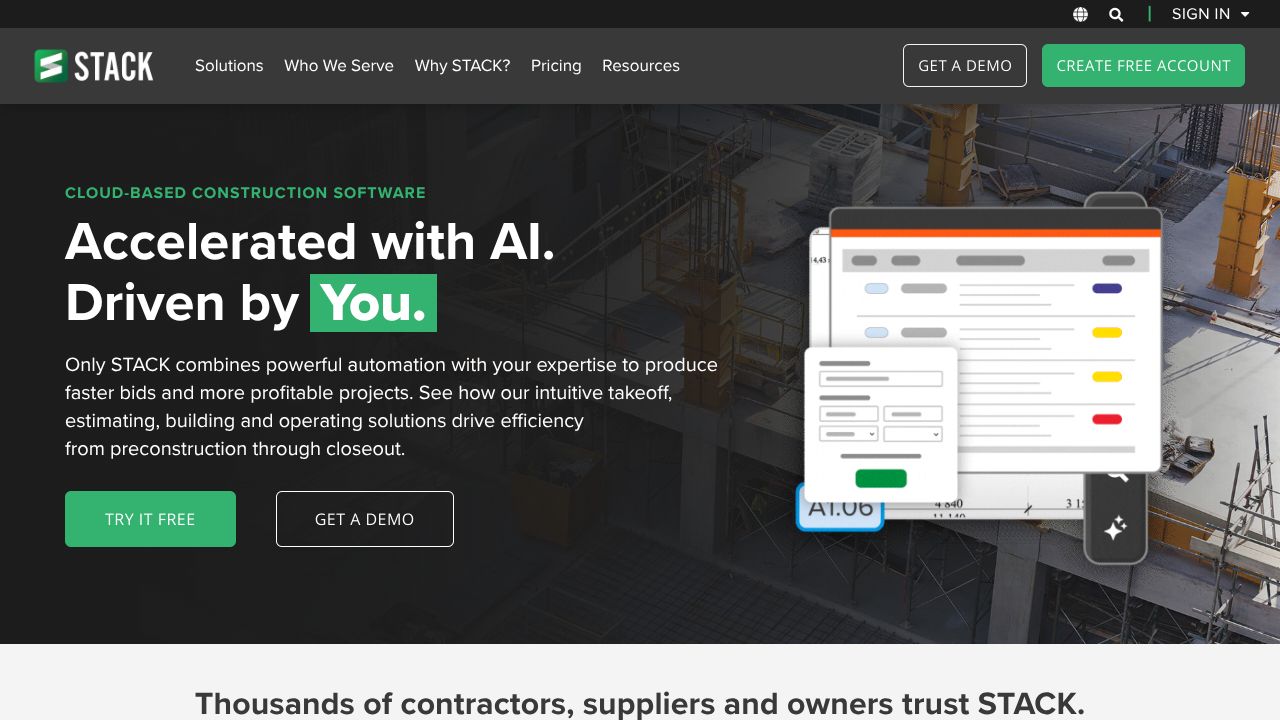
Picture this: it’s 8:12 a.m., a GC just dropped a revised plan set, and the bid’s due by 3. My latte art is still swirling, and I need a takeoff that won’t implode when prices shift. This is where STACK shines—cloud-based, fast plan measurements, a living cost database, and proposal generation that doesn’t make you want to throw your laptop. While Smartvid.io excels at safety and risk analytics on jobsite media, and Buildots transforms site data into progress insights, STACK is simply better suited for preconstruction takeoff and estimating. It’s the Builder to Leader move: turn chaos into a repeatable win.
Step 1: Nail the Setup So You Don’t Pay for It Later
- ▸Create your account: Head to https://www.stackct.com. Pricing runs $49–$149/month—balanced enough for solos and small teams scaling steadily.
- ▸Company defaults: Set measurement units (imperial/metric), tax, and markup so your math is never “almost right.”
- ▸Cost database: Load your costs or start with STACK’s database. Organize items by trade and category. Pro tip: version your rates (e.g., “2026-Q1-Drywall”) so you can roll forward cleanly.
- ▸New project: Create a project, upload PDFs, and organize sheets by discipline. Name sheets clearly (e.g., A-1 Floor Plan, S-2 Structural) for faster retrieval.
- ▸Calibrate scale: First thing—verify the sheet scale. A wrong scale equals the kind of Scaling Stories you don’t want.
- ▸Invite collaborators: Bring in your estimator or PM. You’re building a Growth Resources hub, not a hero culture.
Step 2: Core Features You Need to Know
- ▸Fast plan measurements
- ▸Use area, linear, and count tools to capture scope. Example: drywall—measure wall areas (by level), count corner beads, and linear foot of top/bottom track.
- ▸Color-code by system or room to spot gaps. I use red for exclusions and green for “done-done.”
- ▸Cost database mapping
- ▸Map measurements to cost items. Set labor, material, equipment, and markup rules. When material prices move, update once and it rolls through estimates.
- ▸Build assemblies for common packages (e.g., “Std 5/8” GWB, Level 4 finish”). Faster, fewer clicks.
- ▸Proposal generation
- ▸Convert your estimate into a branded proposal with scope notes, alternates, and exclusions. Keep a library of clauses (e.g., “price valid for 15 days”).
- ▸Use alternates for VE ideas—clients remember the sub who makes them look smart.
- ▸Mobile web app
- ▸Review quantities on site or in the truck. Great for last-minute clarifications or a quick sanity check before you hit send.
- ▸Cloud-first flexibility
- ▸Work from anywhere, share access with your team, and keep a single source of truth. This is how team building actually happens in precon.
Step 3: Pro Tips for SaaS-Minded Pros
- ▸Template everything: Build project templates by trade (e.g., Interiors – TI, Exteriors – Stucco). Preload assemblies, standard notes, and alternates so your first hour is already done.
- ▸Naming discipline = speed: Use strict naming for takeoffs like “L2_Walls_Area_GWB58” so anyone can audit quickly. Your future self will thank you.
- ▸Version control your estimates: Copy estimates for each plan revision (Rev A, Rev B). Keep a “delta” note. It’s your audit trail when change orders show up.
- ▸Weekly cost database grooming: Set 30 minutes every Friday to adjust prices. It’s boring; it’s leadership. Builder to Leader isn’t glamorous—it’s consistent.
- ▸Proposal narrative > line dumps: Lead with assumptions, inclusions/exclusions, and alternates. You’re not just pricing—you’re de-risking the GC’s decision.
Common Mistakes to Avoid
- ▸Skipping scale calibration: One wrong scale and your entire bid is off. Calibrate every time you open a new sheet.
- ▸Treating costs as “set it and forget it”: Markets move. Make price updates a ritual, not a crisis.
- ▸One-person bottleneck: If only one estimator understands your database, you’re not scaling. Document conventions and train your team.
How It Compares to Alternatives
- ▸While Smartvid.io excels at analyzing photos and videos for safety and risk (think: fewer incidents, better insurance posture), STACK is better suited for the preconstruction front-end—takeoff, estimating, and proposals. If your pain is “how many LF of track?” go STACK.
- ▸While Buildots transforms site data into progress analytics for execution and scheduling, STACK targets the bid phase with cloud takeoff and cost databases. Different moments in the project lifecycle.
- ▸Speak Ai shines when you need to analyze and transcribe calls, interviews, or kickoff recordings. Use it to extract stakeholder requirements; then use STACK to quantify and price them.
- ▸Pricing-wise, STACK’s $49–$149/month hits a sweet spot for subcontractors who need value without enterprise bloat.
Conclusion: Is STACK Right for You?
If your day revolves around turning plan sets into accurate numbers and clean proposals—fast—STACK is a strong bet. It’s cloud-first, quick on measurements, grounded by a practical cost database, and proposal-ready. For safety or site analytics, reach for Smartvid.io or Buildots. For meeting intelligence, add Speak Ai. But when building becomes scaling in preconstruction, STACK gives you the repeatable workflow that wins bids before lunch—no foam art required.